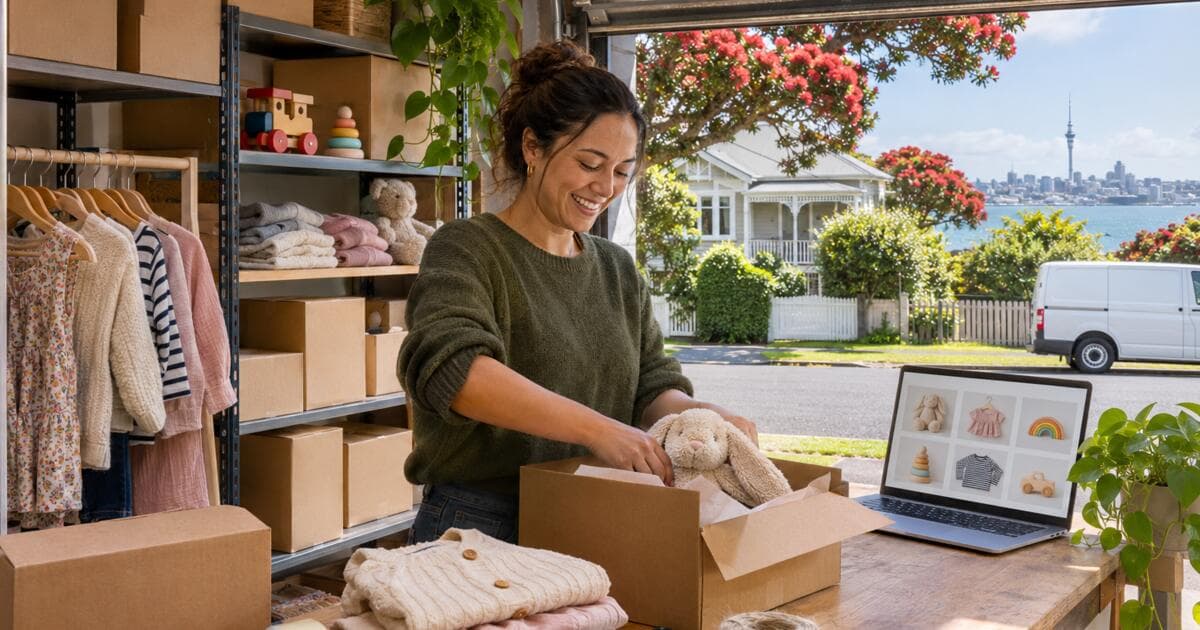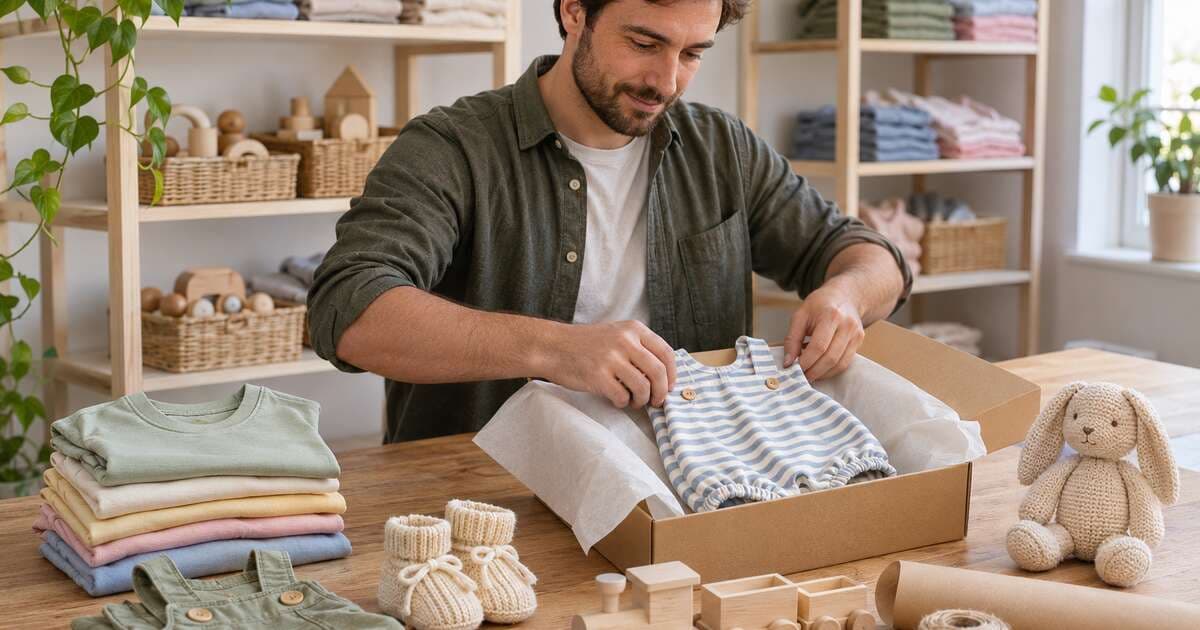
How to Start an Online Kids Clothing Store (Plus Toys and Gear)
How to Start an Online Kids Clothing Store (Plus Toys and Gear)
Children grow out of clothes every few months, which makes kids' fashion one of the few categories where customers have to come back. If you want to learn how to start an online kids clothing store, that is the opportunity: win a parent's trust once, and they return for the next size, the next season and the next birthday present.
Trust is also the challenge. Parents check fabrics, read size guides twice and want to know a toy is safe before it goes near their child. This guide covers choosing a niche, sizing, materials, toy safety, sourcing, photos, shipping and the marketing that brings parents back, then shows a store you can launch on.
How to Start an Online Kids Clothing Store in Seven Steps
- Choose a niche parents will remember, not "everything for kids".
- Pick an age range to start with, such as babies to five years.
- Find suppliers and order samples in every size you will sell.
- Write your size guide from real measurements of those samples.
- Check safety rules for children's clothing and toys where you sell.
- Set up the store with size options, gift wrapping and clear returns.
- Launch to a community of parents, then build repeat purchases.
Choose a Niche Parents Remember
The big retailers already sell cheap basics in every size. A small store wins with a clear point of view. Some niches that work:
- Organic and natural baby basics: rompers, sleepsuits and blankets in soft, simple colours.
- Gender-neutral clothing: practical pieces in colours that pass down between siblings.
- Outdoor and play wear: rain jackets, puffer jackets and durable trousers for muddy days.
- Occasion wear: outfits for weddings, birthdays and family photos.
- Clothing plus toys: a curated mix of outfits, soft toys and wooden toys for gift buyers.
Toys and accessories sit naturally next to clothing. They don't need a size guide, they make great add-ons, and they turn your store into a gift destination for grandparents, aunts and friends.
Size Guides by Age
Sizing is a common reason kids' clothes come back. Age is a starting point, but children of the same age can be very different heights, and brands cut their sizes differently. A good size guide prevents most exchanges.
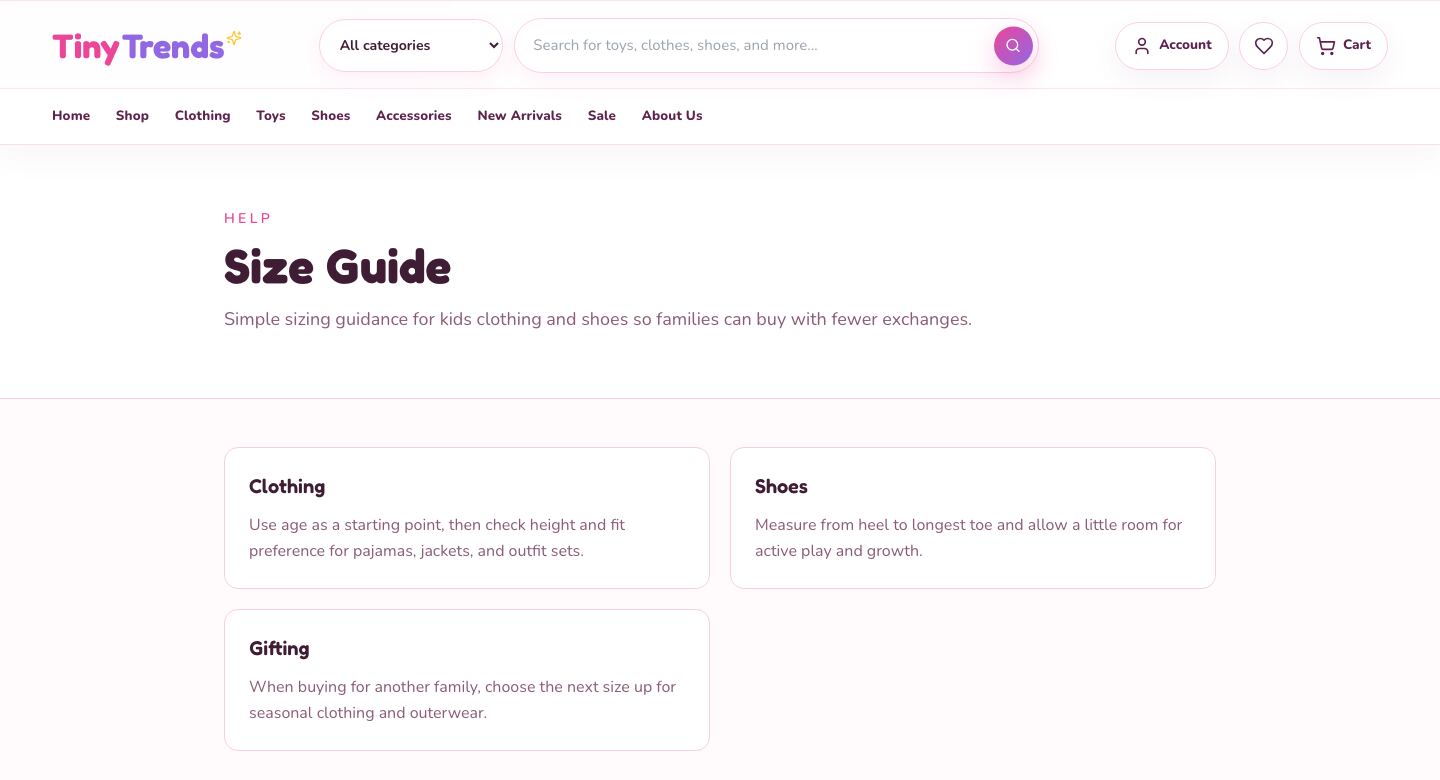
Put these in your size guide:
| Include | Why it helps |
|---|---|
| Age label for each size (0-6M, 2-3Y and so on) | How most parents shop |
| Height and chest range for each size | More reliable than age |
| Foot length for each shoe size | Parents can measure at home |
| Fit notes per product (slim, regular, roomy) | Stops "it runs small" surprises |
| Gift advice | Tells gift buyers to choose the next size up |
Measure your own samples rather than copying a supplier's chart, and link the size guide from every product page. Reviews that mention fit ("my tall 4-year-old wears the 4-5Y") are worth asking for.
Fabrics and Materials
Parents read the material line before the price. Be specific:
- Name the fabric: cotton, organic cotton, cotton and elastane, fleece, merino. Say if a claim like "organic" is certified, and keep the certificate from your supplier.
- Think about skin and comfort: soft seams, tag-free labels and easy fastenings matter for babies and toddlers.
- Explain care: washing temperature, whether it can go in the dryer, and how it holds up after many washes.
- Design for real life: snaps for nappy changes, wide necklines, knee patches on play trousers.
Some places have extra rules for children's clothing, for example on cords and drawstrings or on sleepwear. Check the rules where you sell before you list a new product type.
Toy Safety Standards and Labelling
If you add toys, safety comes first. Most markets have toy safety rules, and they differ, so check the rules where you sell and ask every supplier for proof that their products meet them.
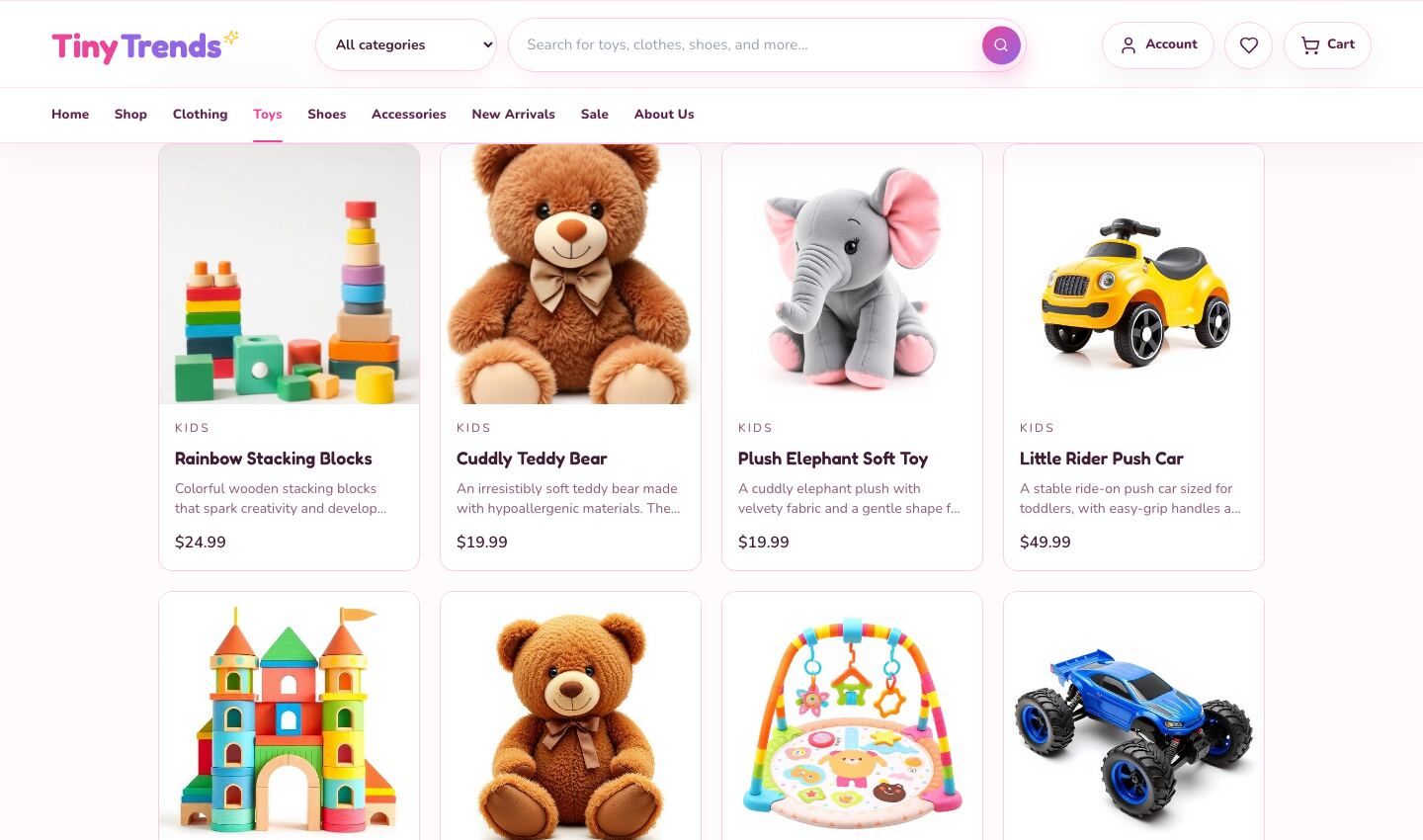
A practical checklist:
- Age grading. Every toy needs a clear recommended age. Small parts, small balls, magnets and button batteries are common hazards for young children.
- Test reports. Ask suppliers for current test reports or certificates for each product, not just a promise.
- Labels and warnings. Check that the toy and its packaging carry the warnings, maker details and batch information your market requires.
- Product pages. Repeat the age range and any warnings on the product page, close to Add to cart.
- Recalls. Keep supplier and batch records so you can contact customers quickly if a product is ever recalled.
Soft toys, wooden blocks and simple ride-ons are easier to start with than electronic or battery-powered toys.
Sourcing and Stock
- Wholesale brands let you resell known labels with less design work.
- Small makers offer handmade and limited pieces that big stores can't match.
- Private label gives you your own designs, but usually needs larger minimum orders.
- Print-on-demand works for simple printed tees without holding stock.
Clothing stock multiplies quickly: one jacket in four sizes and three colours is twelve items to track. Start with fewer styles in more sizes, rather than many styles with gaps. Inventory Basics for MVP Stores shows how to keep stock simple at this stage.
Photos and Product Pages
- Flat-lays and hanging shots on plain backgrounds show the garment clearly, and avoid photographing children at all.
- If you use child models, get written consent from parents and be careful where photos are shared.
- Show scale: a toy next to a familiar object, or the garment's length in centimetres or inches.
- List the essentials: sizes with stock, fabric, care, recommended age, safety notes and delivery time.
Shipping, Returns and Gift Wrapping
Many kids' clothes and toys are bought as gifts, so make gifting easy:
- Gift wrapping and a gift message at the cart, with the option to ship straight to the recipient.
- Gift receipts or prices left off the packing slip.
- Easy size exchanges. A generous exchange policy for unworn clothes removes the biggest worry about buying online.
- Clear delivery times, especially before birthdays and holidays.
- A free-shipping threshold that encourages one more item, such as a soft toy with an outfit.
Growing Out of It: Repeat Purchases
This is where a kids store earns its keep. Children outgrow their clothes, and parents need the next size.
- Restock and "next size up" emails. When a size sells out or a new season arrives, tell the parents who bought the size below.
- Seasonal drops. A small spring and autumn range gives parents a reason to check back.
- Bundles. Sleepsuit three-packs, outfit sets and "complete the gift" add-ons.
- Birthday reminders, only if parents opt in. Ask for as little information as you need, and never more than a month and year.
- A wishlist that grandparents can be pointed to.
SEO and Marketing for a Kids Store
Parents search by age and moment: "gifts for a 3-year-old", "baby shower gift", "toddler rain jacket". Build category and collection pages around those searches, each with a short intro and helpful advice.
- Write simple guides: first birthday gift ideas, what a newborn needs, how to choose shoe sizes.
- Work with small parenting creators whose audience matches your niche.
- Sell at local markets and baby fairs to meet parents face to face.
- Collect reviews that mention age, size and fit.
Common eCommerce MVP Mistakes That Kill Conversion Rates covers the store problems that quietly cost sales.
Launch Faster With Kids Store
We built Kids Store for this business: a bright, playful storefront for kids' clothing, toys, shoes and accessories that you can rebrand and launch.
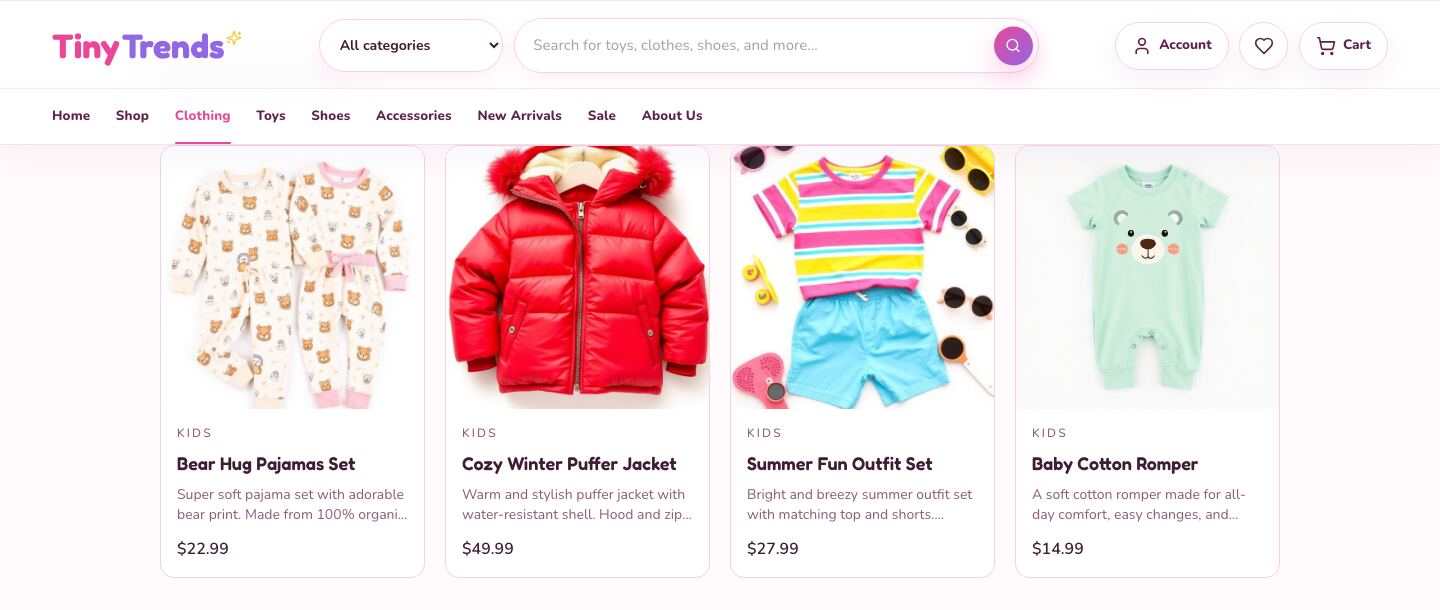
What's inside:
- An 18-product demo catalogue in four categories: clothing, toys, shoes and accessories
- Category landing pages, a sale page and search with live suggestions, filters, sorting, grid and list views and product comparison
- Product options with age sizes for clothing and shoe sizes for footwear, stock levels, ratings, reviews and related products
- A size guide page for clothing and shoes, linked from the header
- A gift-friendly cart with gift wrapping and gift messages, promo codes, a free-shipping progress bar and gift set suggestions
- A step-by-step checkout, wishlist and order look-up
- Content and SEO: a blog, shipping, returns and other info pages, metadata, a sitemap and Product structured data
It runs straight away on its demo catalogue. When you're ready for real orders, connect the open-source commerce backend it is built for, which you host yourself, with optional Stripe card payments.
| Stack | Next.js 16, React 19, TypeScript, Tailwind CSS, Framer Motion |
| Live demo | kids-store.mvp.sale (browse the clothing and toys pages and try the cart) |
| Price | $39, one-time, with the full source code |
| Get it | Kids Store |
Want a phone app as well? The matching iPhone and Android shopping app is sold separately as the Kids Fashion Store Mobile App. Other framework versions are available on request.
Your First 30 Days
| Week | Do this |
|---|---|
| 1 | Pick your niche and age range. Order samples, measure them and collect safety documents for any toys. |
| 2 | Write your size guide, product descriptions and returns policy. Photograph your products as flat-lays. |
| 3 | Rebrand the store, load 20 to 40 products with sizes and stock, connect payments and go live. |
| 4 | Share with parent groups and local markets, ask first customers for fit reviews, and plan your first restock email. |
FAQ
Should I sell clothing and toys together? Yes, if they fit one niche. Toys make easy add-ons and gifts, and clothing brings parents back as children grow.
How do I reduce returns on kids' clothes? Give heights and measurements, not just ages, add fit notes, and offer simple size exchanges.
Do I need safety certificates for toys? Check the rules where you sell. In most markets you need evidence that toys meet local safety standards, so ask suppliers for test reports before you list anything.
Is there an app version of Kids Store? Yes. The Kids Fashion Store Mobile App is a separate listing for iPhone and Android.
Grow With Your Customers
A kids store grows with the families it serves. Get sizing right, be strict about safety, make gifting easy, and parents will come back every time their children outgrow last season's clothes.
See Kids Store or browse all ecommerce apps on MVPHub.
The cover image was created with AI image generation. The screenshots are from the Kids Store demo.